Taploom for Mac
Your iPhone or Android, on your Mac. Ready to show.
Taploom puts your phone’s screen in a real device frame on a clean background, with touch rings and zoom that follows your taps. Present it live on a call, or record a demo and export a finished video in minutes.
14-day trial · Requires macOS 26 or later
- Runs on your Mac
- Works with iPhone
- Works with Android
- Zoom, Meet, Teams, Keynote
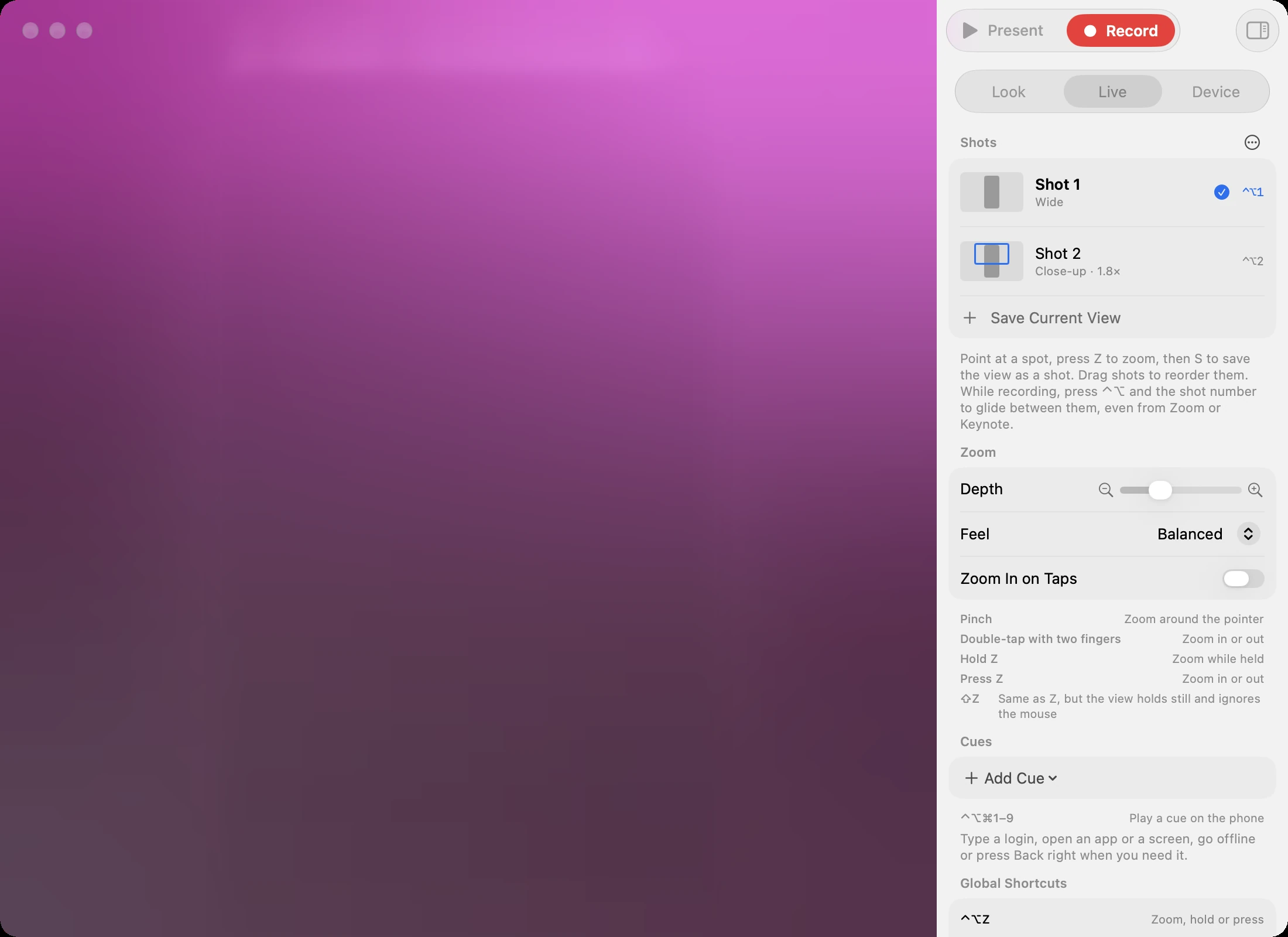
You press a key.
Everyone on the call sees it.
Share the Taploom window on Zoom, Meet or Teams. Then run the demo from your Mac keyboard while you keep talking.
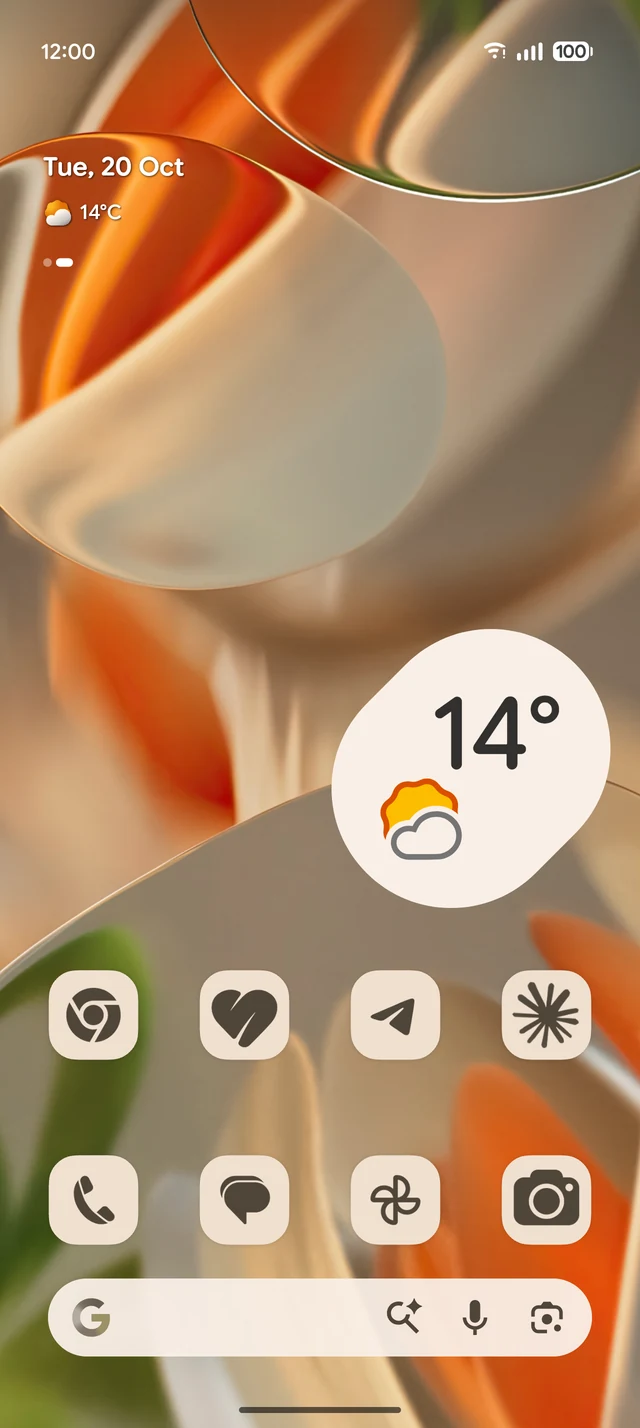
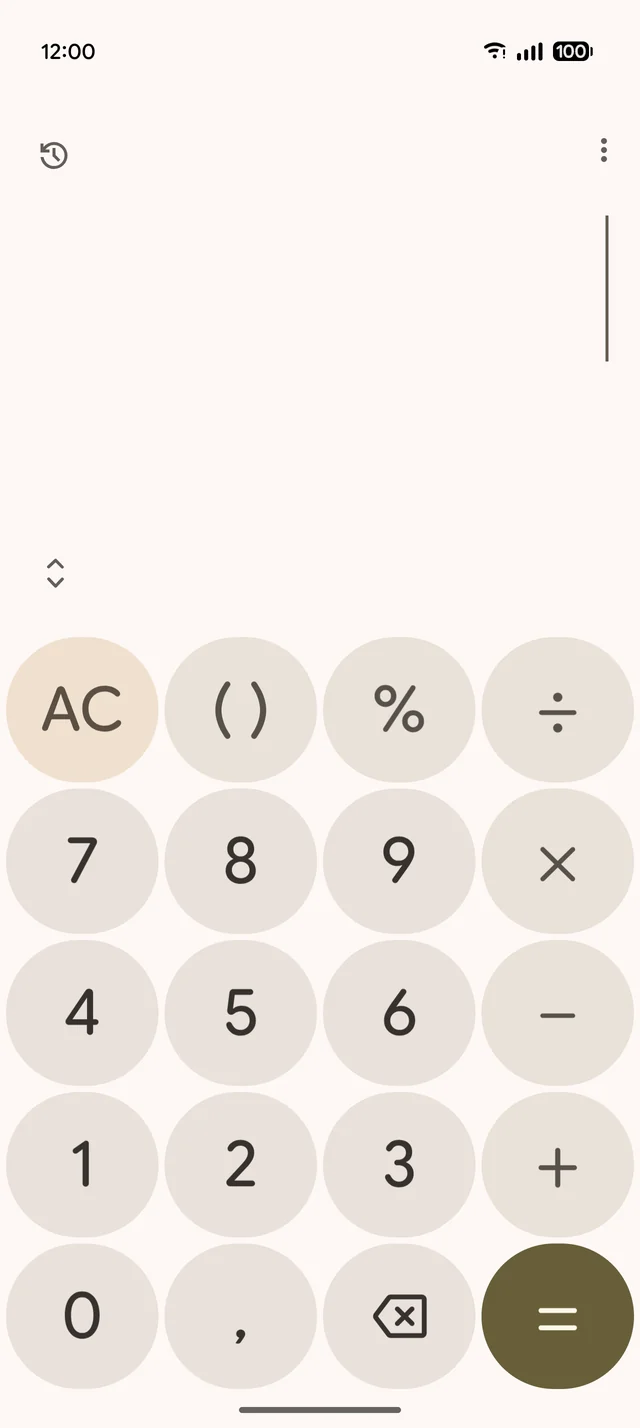
Which one
are you?
Tap yours and see what you will make with Taploom.
Record a take.
Taps become zooms.
A real take from a Pixel. Taploom zooms on phone taps, including finger touches on Android. Typing and going home stay wide, so the video never jumps around.
Put your face in it.
In any shape.
Add your Mac camera next to the phone, live or in a recording. Pick from 12 shapes, drag it anywhere, and it shrinks out of the way when Taploom zooms in.
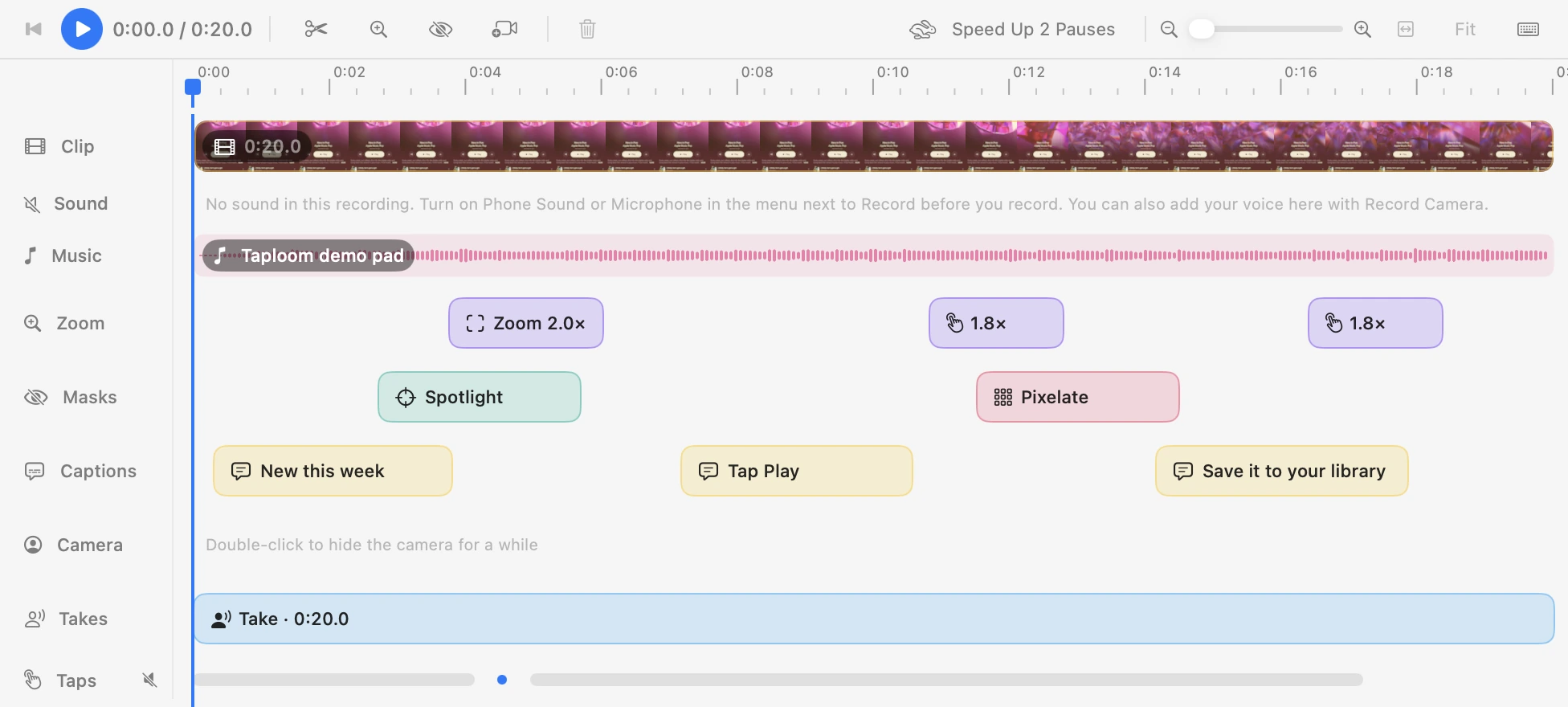
Polish it on one timeline.
Post it everywhere.
The zooms are already placed. Add the rest, trim the pauses and export in 1080p or 4K.
One take.
Every format.
Switch the shape and Taploom reframes the phone and moves the captions. No second recording.
A soundtrack that hits
every tap.
Taploom knows the exact moment of every tap, zoom and cut. Hand that to an AI and the beat lands on them.
Copy Music Prompt
Taploom writes down the take: its length and the time of every tap, zoom and cut.
Paste it into Claude Code
It writes a track timed to those moments. Most music generators ignore exact timing.
Back on the timeline
Taploom renders it on your Mac in about a second and ducks it under your voice.
Your phone,
on cue.
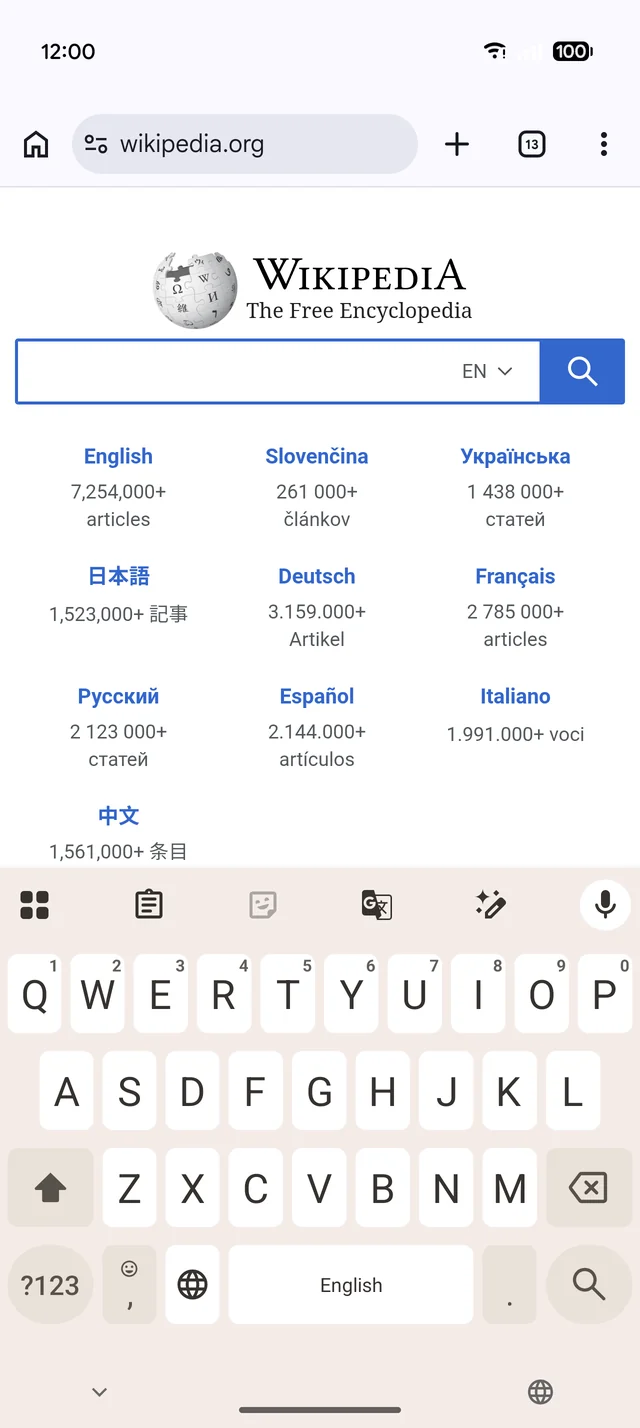
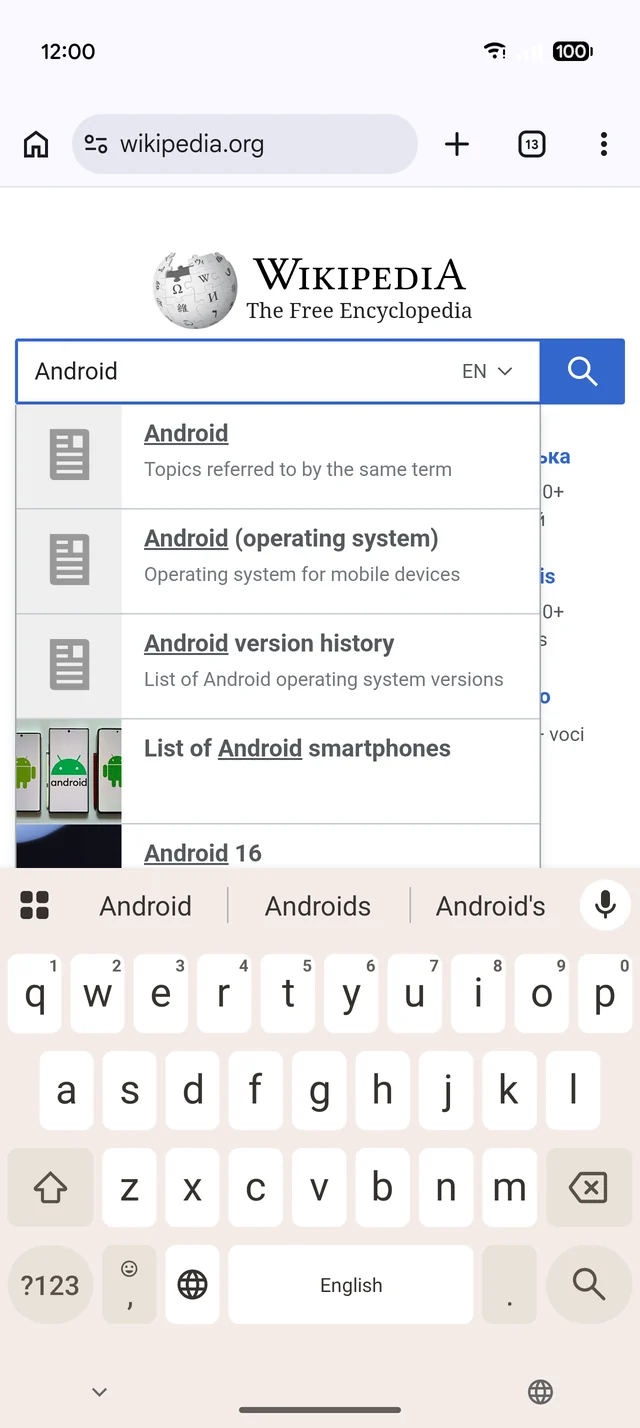
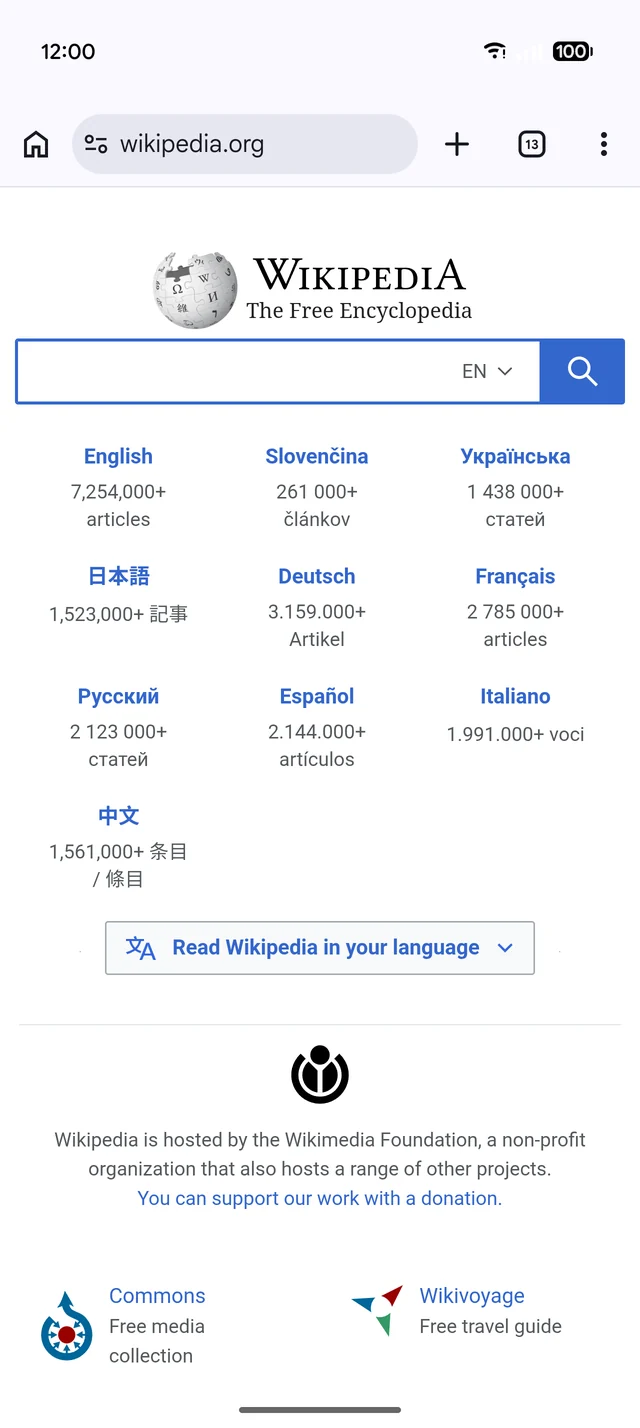
Set up cues before the demo and play them with ⌃⌥⌘1–9: type a login, open an app or a link, press Back, go offline or flip dark mode right when you need it. Try the keys.
Let your AI agent
make the video.
Taploom runs a local MCP server. Ask Claude Code, Cursor or any MCP client for a demo, and it drives Taploom for you: connects the phone, taps through the app, records and exports. It ships with the first release.
What works where.
| Android | iPhone | |
|---|---|---|
| Present on calls and on stageFull Screen and Float on Desktop | ||
| Device frame, backgrounds, Ambient | ||
| Live zoom and ShotsZ, pinch, ⌃⌥1–9 | ||
| Record → EditCaptions, masks, music, 16:9 · 9:16 · 1:1 | ||
| Touch rings | Real finger touches | Via iPhone Mirroring |
| Auto-zoom on taps | Via iPhone Mirroring | |
| Control the phone from the MacClick, swipe, scroll | Taps via Mirroring | |
| Type on Phone and ⌘V | ||
| CuesLogin, app, link, Back, offline, dark mode | ||
| Clean Status Bar |
iPhone over a cable is view-only. Taps and tap-based zoom on iPhone work through iPhone Mirroring.
| Taploom | FrameOS | Screen Studio | SmoothCapture | |
|---|---|---|---|---|
| Android | ||||
| iPhone | Beta | |||
| Present live on calls | ||||
| Control the phone from the Mac | ||||
| Zoom that follows phone taps | Mac cursor | Mac cursor | ||
| Real finger touches on screen | ||||
| Cues and Clean Status Bar | ||||
| Masks for private data | Annotations | |||
| One take → 16:9, 9:16, 1:1 | Canvas presets |
Based on each product’s public website, October 2026. Screen Studio records the Mac screen, not phones.
Up and running
in a minute.
Download Taploom
Try every feature for 14 days. Needs macOS 26 or later.
Plug in your phone
Android: turn on USB debugging. iPhone (beta): use a cable or iPhone Mirroring.
Present or record
Share the window on a call, or press Record and edit right after.
Questions
Which phones work?
Any Android phone over USB, and iPhone in beta. On iPhone, a cable shows the screen; taps and tap-based zoom work through iPhone Mirroring on macOS.
What do I need on Android?
Turn on USB debugging in Developer options and plug the phone in. Taploom brings its own adb and scrcpy, so there is nothing else to install.
Does it work on Zoom, Meet and Teams?
Yes. Share the Taploom window like any other window, or present full screen at a talk.
How is it different from QuickTime, scrcpy or Vysor?
Those mirror the screen. Taploom adds a device frame, touch rings, zoom that follows your taps, live controls and an editor for the recording.
How much does it cost?
$4.99 a month, $29.99 a year, or $79 once for a lifetime license of Taploom 1.x with every 1.x update. Every plan has every feature. You can try it for 14 days first. It needs macOS 26 or later.
Does my recording leave my Mac?
No. Recording, captions and editing run on your Mac.
Why I made Taploom.
I build Android apps. Every release ends the same way: someone needs a demo. For the store page, for a client call, for a post. And every time it costs an evening. scrcpy in one window, QuickTime in another, a webcam app on top, then an hour in a video editor adding zooms by hand so people can see where I tapped.
Calls were worse. I would share my screen, tap something, and hear “wait, where did you click?”
Taploom is the tool I wanted on those evenings. Plug in the phone, press a key, and the video already looks done. I use it for every build I ship, and I hope it gives you those evenings back.
DanyilMakes Taploom
Every feature. Pick how you pay.
Try it for 14 days with nothing locked. Then choose a plan.
Cancel anytime.
$2.50 a month, billed once a year.
Pay once, keep Taploom 1.x with every 1.x update.
For macOS 26 or later. Android over USB, iPhone in beta. No card for the trial.